EN中文 Contact Us ›
🔒 100% private · Free · No sign-up · Works on phones

Image Compressor for Websites

Reduce image file size for a faster website. Compress JPG, PNG and WebP images, resize them to the size you need and see exactly how much you saved.

Your photos never leave your device.
Nothing is uploaded to our server. Everything happens right here in your browser, which is also why it's so fast.
Drop any image here
Any format works. You don't need to convert it first.
PNGJPGWebPGIFBMPAVIFHEIC*
*iPhone HEIC photos open in Safari
or · up to 50 at once · paste with Ctrl+V
What do you need?
More options (quality, resize, file names)
Quality
Delivering your images…
Download
Tip: tap a picture or "Compare" to check the quality before and after.
Save this tool for next time. Press Ctrl + D to bookmark it.
SEE THE DIFFERENCE

Same photo. 91% smaller.

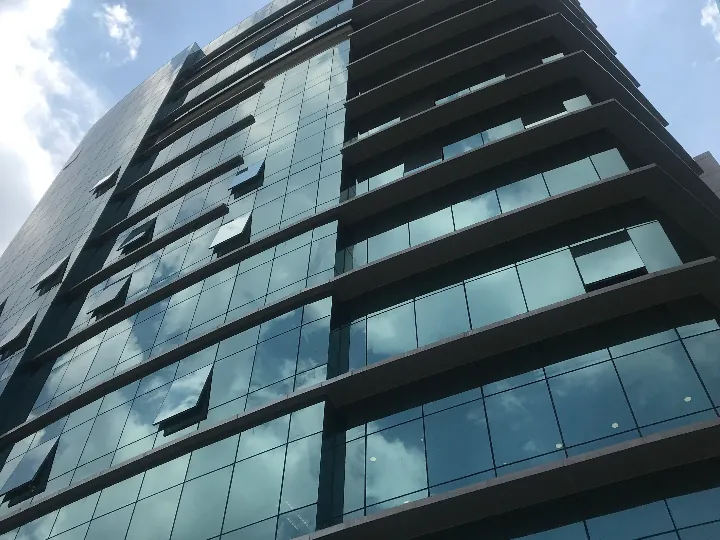
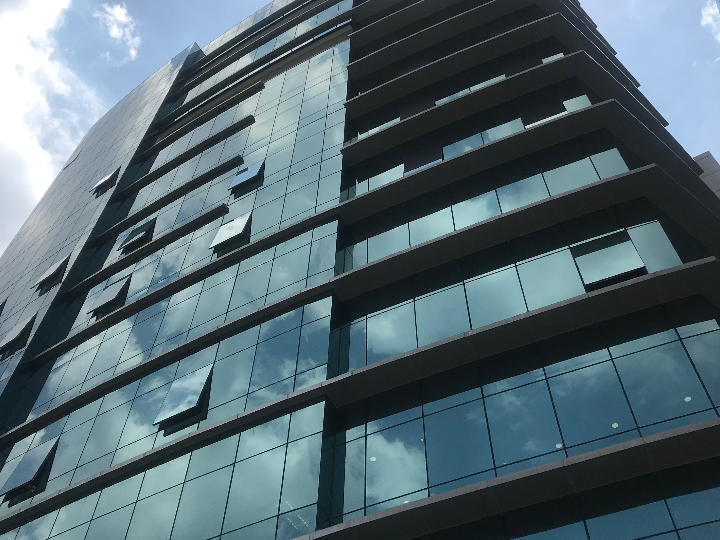
Drag the slider. On the left, the original PNG (565 KB). On the right, the same photo saved as WebP at balanced quality (54 KB). Most people can't tell them apart.

Office tower photo saved as WebP, 54 KB
The same photo as the original PNG, 565 KB
⇆
PNG · 565 KB WebP · 54 KB

How It Works

1

Add your images

Drag in up to 50 JPG, PNG or WebP files, or paste a screenshot.

2

Choose quality and size

Lower the quality slightly and set a maximum width. Sizes update instantly.

3

Download smaller files

Save each image, or all of them as one zip.

How to compress an image without losing quality

Most of the saving doesn't come from the quality setting. It comes from two simpler things:

  1. Resize to the size it's shown at. A 4000-pixel photo shown 1200 pixels wide carries about 11 times more pixels than needed. Pick a maximum width and the file shrinks dramatically.
  2. Use an efficient format. Switching "Convert to" from "Same as original" to WebP usually saves far more than lowering quality.

Then use quality 75 to 85 for photos. At those settings the difference is very hard to see, but the file is much smaller.

What size should website images be?

There's no single rule, but these are good targets for small business websites:

Images that are much larger than this are one of the most common reasons we find for slow small business websites, especially on mobile data.

Why didn't my PNG get smaller?

PNG is lossless, so re-saving it as PNG can't throw away detail. If a compressed version would be bigger, the tool keeps your original file. To make a PNG much smaller, convert it to WebP, which still supports transparency, or resize it.

Is it safe for private photos?

Yes. Images are compressed inside your browser and never uploaded. Hidden metadata such as GPS location is removed from the compressed files.

Does compressing images help SEO?

Faster pages give visitors a better experience, and page experience is something Google considers. Compressed images won't rank a page on their own, but slow, heavy pages make everything else harder. Our SEO health checklist covers the other basics.

More free image tools

Image ConverterPNG to WebPJPG to WebPWebP to PNGWebP to JPGLanding Page ChecklistAll free tools ›

Is Your Website Slow?

Heavy images are usually the first thing we fix. We build fast websites that turn visitors into enquiries.

See Our Web Design Service ›
Google PartnerGoogle PartnerVerified agency